ProsperFleet Help Center

All Duty Filters
Heavy Duty Filters
Use Data
Map View
Details
User Settings
Integrations
Admin Settings

Selling to Fleets
Playbook
Get tips to sell more.
Filters - Heavy Duty - Vehicle Fleet
You can filter fleets by:
- Fleet Size
- Vehicle Type: Tractors, Trucks, Passenger Vehicles (Coach, Non-School Bus, School Bus, Limo, Passenger Van), Cars, Non-CMV
- Owned or Leased
- Vehicle Make
- Vehicle Model
- Engine Make
- Engine Model
- Fuel Type
- Cab Type
- Vehicle Age
- Plant Country
Fleet Size and Own/Lease data is self-reported by fleets to the U.S. Department of Transportation’s Federal Motor Carrier Safety Administration (FMCSA).
For all other vehicle filters, the equipment is identified in inspection, violation and crash data over the past 24 months. Fleets may have additional equipment that isn’t in this data – especially light and medium duty vehicles are less likely to be in FMCSA data. If you need light and medium duty data, choose the All Duty database.
Are you not seeing these Heavy Duty filters? In the top left corner of ProsperFleet, if you see both All Duty and Heavy Duty, click Heavy Duty to see these Vehicle filters:
Vehicle Fleet Size
Currently our database includes FMCSA data with 5+ total power units under a DOT number. (Some companies have multiple DOT numbers.)
Type the fleet size range you want, in the Minimum and Maximum fields. You can leave the fields blank if you want no minimum or maximum limits.
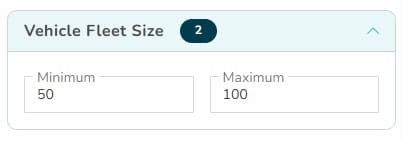
If you are in the Pro plan, the Maximum fleet size is limited to 99 vehicles. If you are in the Team plan, the Maximum fleet size is 299. If you have the Enterprise plan, there’s no limit to Maximum fleet size. You should see a message about this in the Maximum field if you have the Pro or Team plan.
Vehicle Type
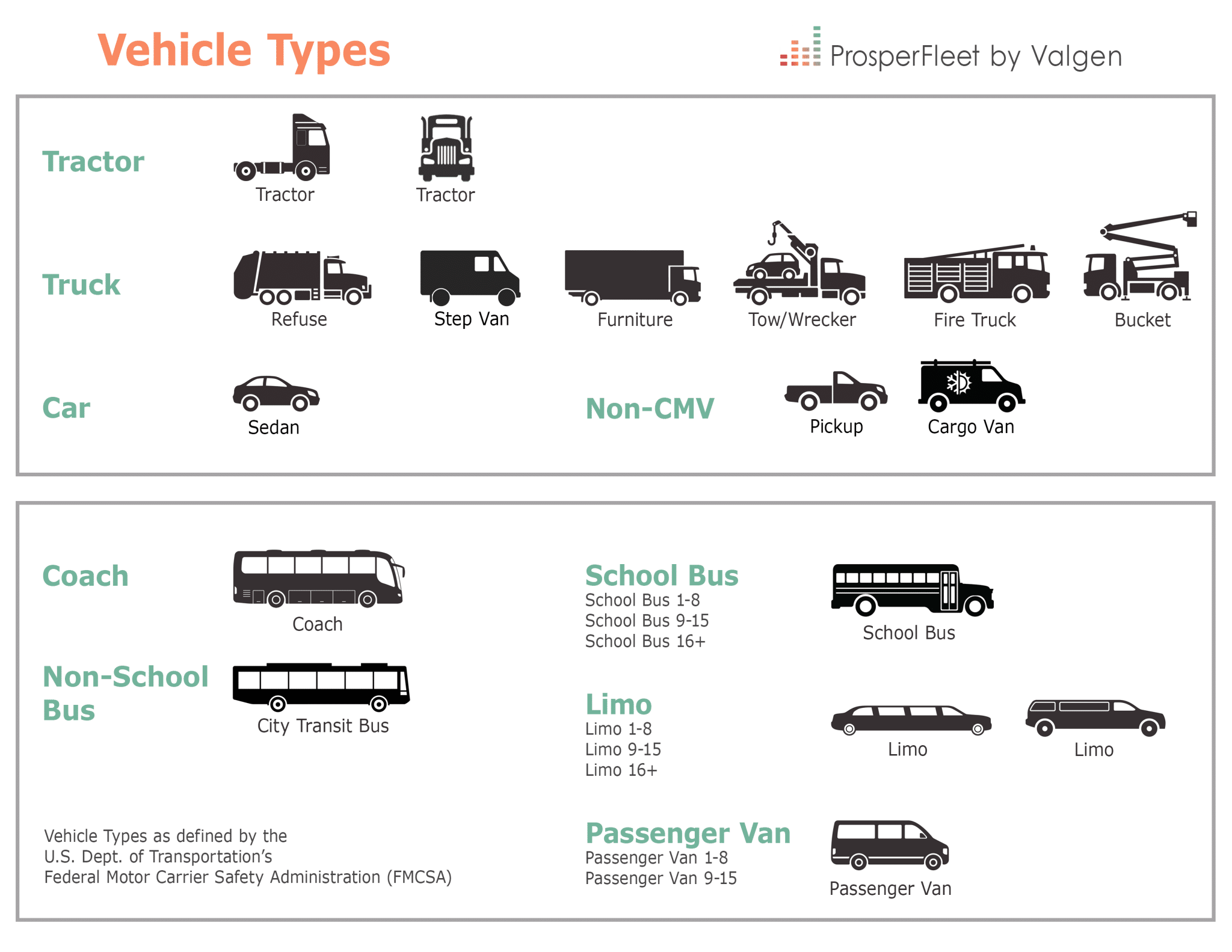
You can choose whether you want all Power Units, or whether you want the following vehicle types: Tractors, Trucks, Passenger Vehicles, Coach, Non-School Bus, School Bus (including 1-8 passengers, 9-15, 16+), Limo (including 1-8 passengers, 9-15, 16+), Passenger Van (including 1-8 passengers, 9-15), Cars, Non-CMV.
By default, ProsperFleet selects all of the above. You can unselect boxes for vehicle types you don’t want.
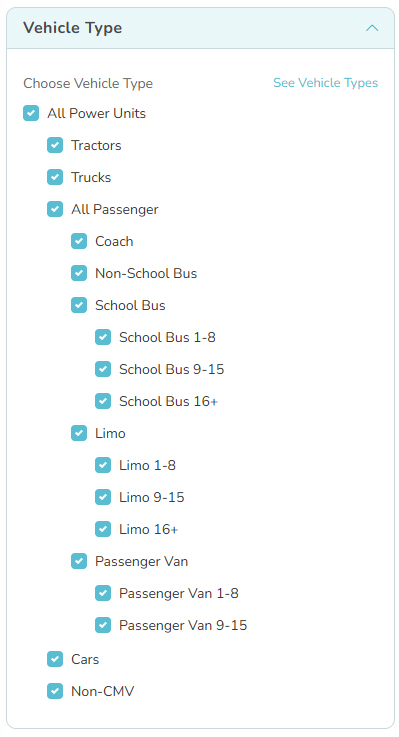
Here’s a cheat sheet of the FMCSA SAFER vehicle types in ProsperFleet. It’s sized 8.5 x 11 so you can print it:
Own/Lease
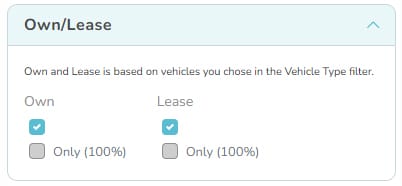
You can select whether vehicles are Owned and/or Leased. If you make no choice here, all vehicles will be selected regardless of ownership type.
You can also choose if you need 100% of the vehicles to be owned, or 100% of the vehicles to be leased.
Make
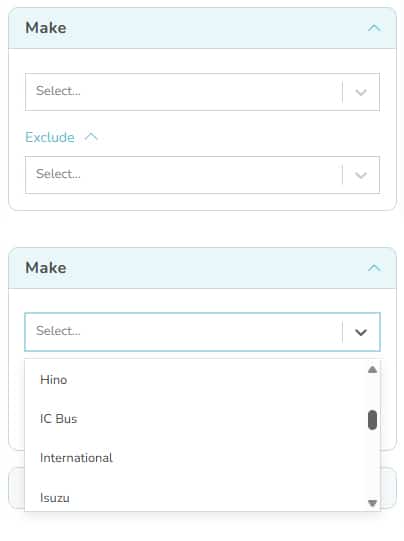
In vehicle Make, you can choose manufacturers like Blue Bird, Dodge, Ford, Freightliner, Kenworth, Peterbilt, Volvo Truck.
This filter is based on “presence of” the vehicle Make in a fleet, not counts.
You can also exclude fleets with any Make you don’t want. We recommend using Exclude only if absolutely needed to refine your market. Because if you want fleets with Freightliner vehicles, but choose to exclude Kenworth vehicles, you will not get the Freightliner fleets that also have Kenworth.
Makes of vehicles that are light duty or medium duty like Chevrolet, Dodge and Ford are not fully represented in this FMCSA data. If you need more complete data about these fleets, choose the All Duty database in ProsperFleet.
Model
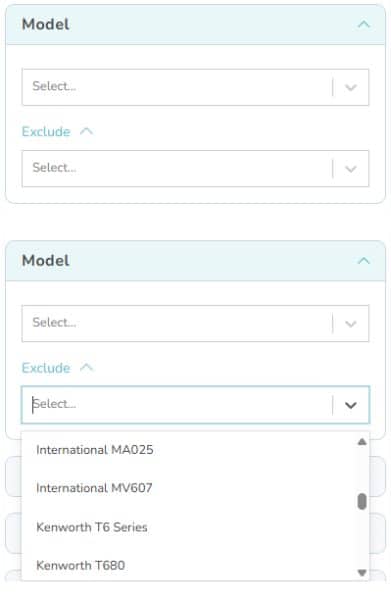
In vehicle Model, you can choose specific models such as Freightliner Cascadia.
This filter is based on “presence of” the vehicle Model in a fleet, not counts.
You can also exclude fleets with any Model you don’t want. We recommend using Exclude only if absolutely needed to refine your market. Because if you want fleets with Freightliner Cascadia, but choose to exclude Freightliner Columbia, you will not get the Freightliner Columbia fleets that also have Cascadia.
Models of vehicles that are light duty or medium duty like Ford F-350 and Ram 3500 are not fully represented in this FMCSA data. If you need more complete data about these fleets, choose the All Duty database in ProsperFleet.
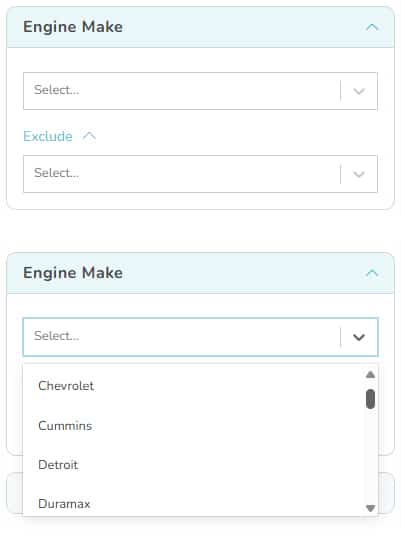
Engine Make
In Engine Make, you can choose specific Make such as Caterpillar, Cummins, Detroit.
This filter is based on “presence of” the Engine Make in a fleet, not counts.
You can also exclude fleets with any Engine Make you don’t want. We recommend using Exclude only if absolutely needed to refine your market. Because if you want fleets with Cummins engines, but choose to exclude Detroit, you will not get the Cummins fleets that also have Detroit.
Engine Model
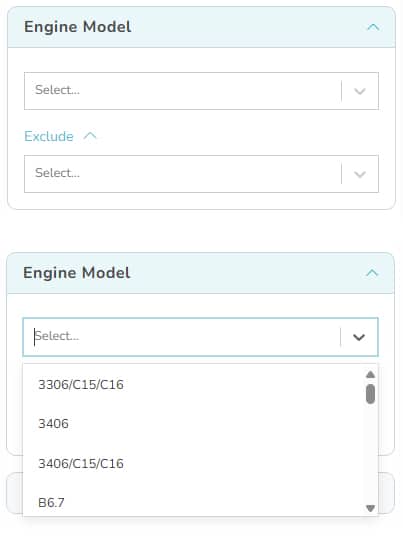
In Engine Model, you can choose specific models such as Detroit DD13, International DT466, etc. There’s an extensive list.
This filter is based on “presence of” the Engine Model in a fleet, not counts.
You can also exclude fleets with any Engine Model you don’t want. We recommend using Exclude only if absolutely needed to refine your market. Because if you want fleets with Detroit engine models, but choose to exclude Cummins engine models, you will not get the Cummins engine model fleets that also have Detroit engine models.
Fuel Type
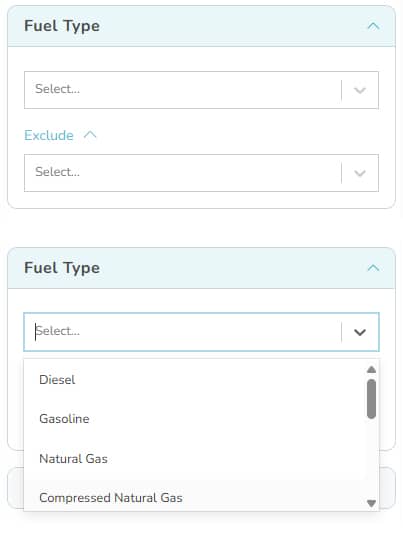
In Fuel Type, you can choose specific fuel types such as Diesel, Gasoline, CNG, Electric.
This filter is based on “presence of” the Fuel Type in a fleet, not counts.
You can also exclude fleets with any Fuel Type you don’t want. We recommend using Exclude only if absolutely needed to refine your market. Because if you want fleets with Diesel fuel, but choose to exclude Electric, you will not get the Diesel fuel fleets that also have Electric vehicles.
Cab Type
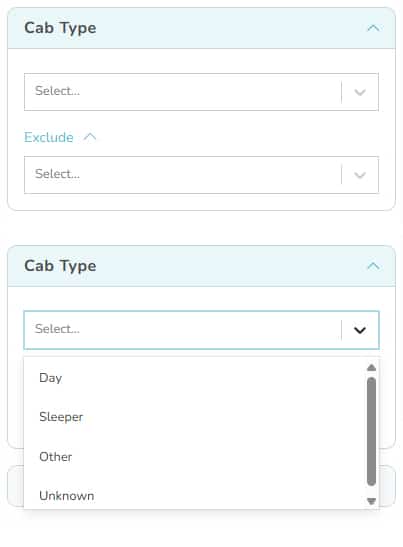
In Cab Type, you can choose from cab types Day and Sleeper.
This filter is based on “presence of” the Cab Type in a fleet, not counts.
You can also exclude fleets with any Cab Type you don’t want. We recommend using Exclude only if absolutely needed to refine your market. Because if you want fleets with Day cabs, but choose to exclude Sleeper, you will not get the Day cab fleets that also have Sleeper cabs.
Vehicle Age
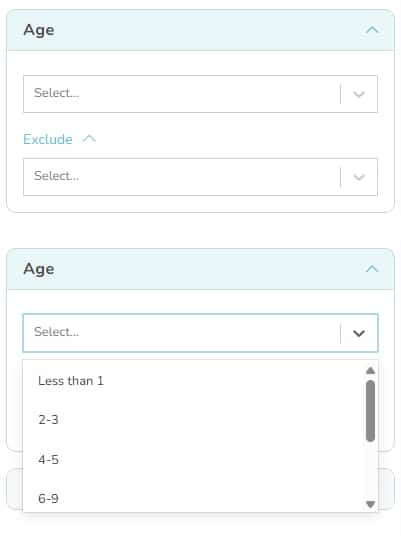
In vehicle Age, you can choose any age from less than 1 year to 20 years or more.
This filter is based on “presence of” the vehicle Age in a fleet, not counts.
You can also exclude fleets with any Age you don’t want. We recommend using Exclude only if absolutely needed to refine your market. Because if you want fleets with vehicles less than one year old, but choose to exclude “20 or more” years, you will not get the fleets with one-year-old vehicles that also have 20+ year old vehicles.
Plant Country
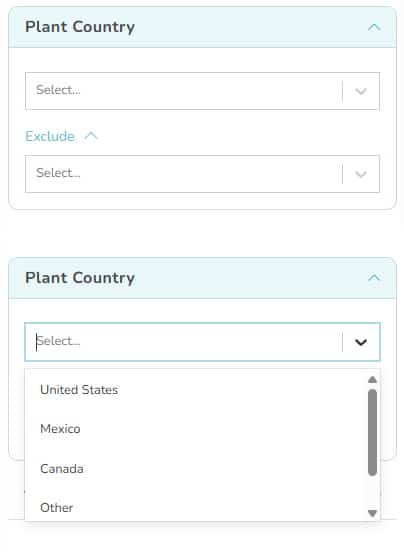
In Plant Country, you can choose where vehicles were manufactured including United States, Canada and Mexico. Other would include any other manufacturer location.
This filter is based on “presence of” the vehicle Plant Country in a fleet, not counts.
You can also exclude fleets with any Plant Country you don’t want.