ProsperFleet Help Center

All Duty Filters
Heavy Duty Filters
Use Data
Map View
Details
User Settings
Integrations
Admin Settings

Selling to Fleets
Playbook
Get tips to sell more.
Filters - Heavy Duty - Upload DOT & MC Numbers
You can filter fleets by uploading a file with DOT numbers or MC numbers of the fleets you want to match in ProsperFleet data.
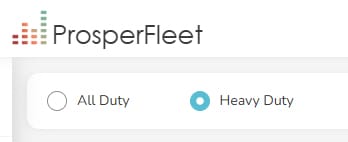
In the top left corner of ProsperFleet, if you see both All Duty and Heavy Duty, click Heavy Duty to see this filter:
Upload
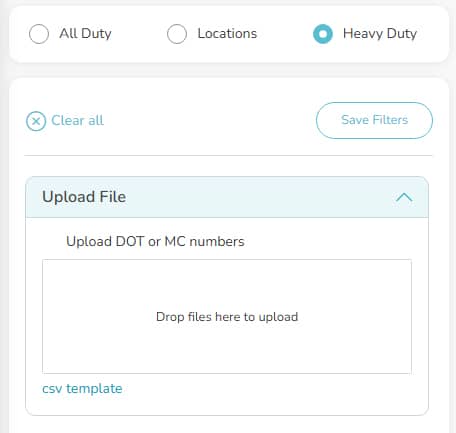
Enter the DOT or MC numbers you want to upload in a file that’s formatted as a CSV file.
Use the following headers in the first row of your file:
- dot_number – if you want to upload DOT numbers
- mc_number – if you want to upload MC numbers.
You can also use this csv template file as a guide. This template is also linked in the app.
Drag or choose your file in the “Drop files here to upload” box. Companies in our data that match your DOT or MC numbers will show in the Company Table.
After you upload DOT or MC Numbers, it might be useful to save your filters. So you can apply your upload in the future in one click, instead of uploading the file again.
